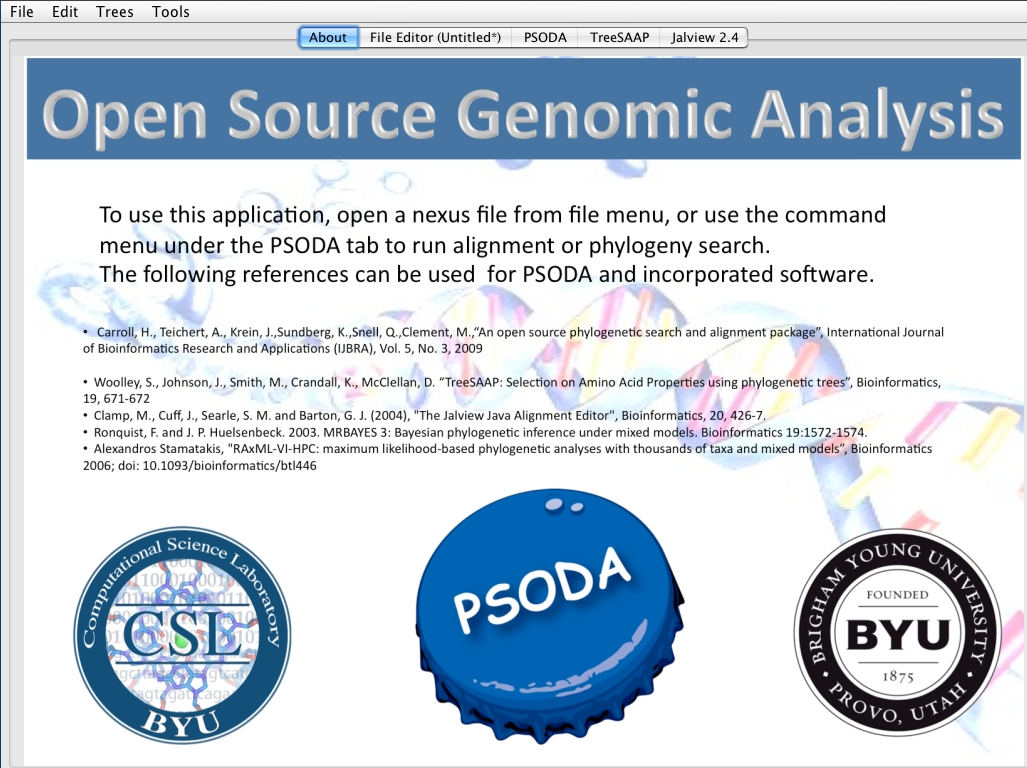
This tutorial is a guide for downloading PSODA for mac. Other tutorials can be found at the tutorials home page.
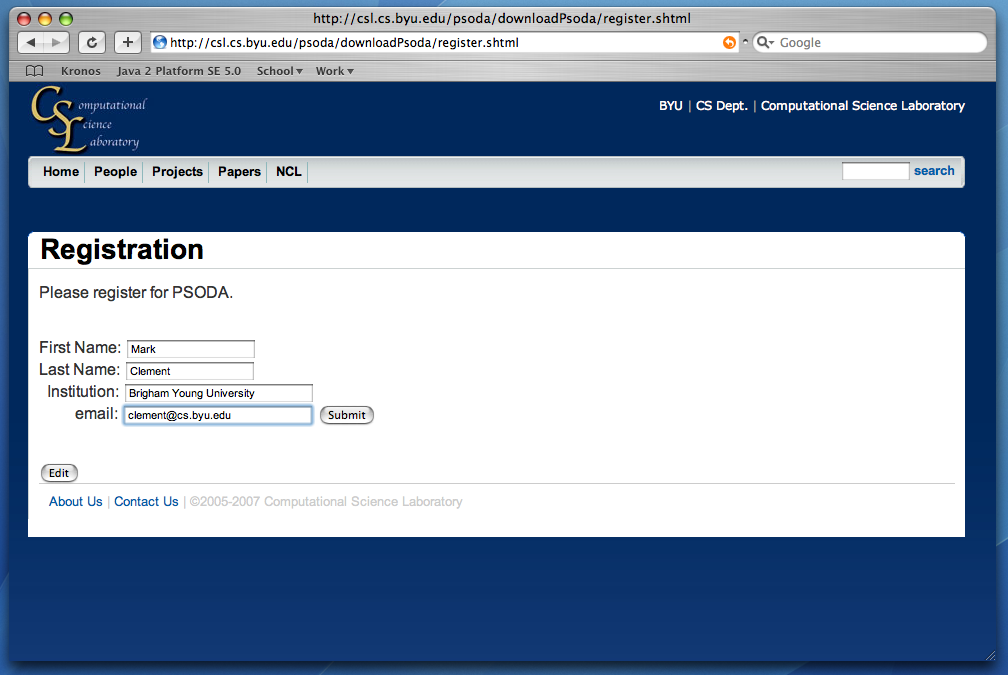
- Register for PSODA and submit. You will be redirected to the download page.
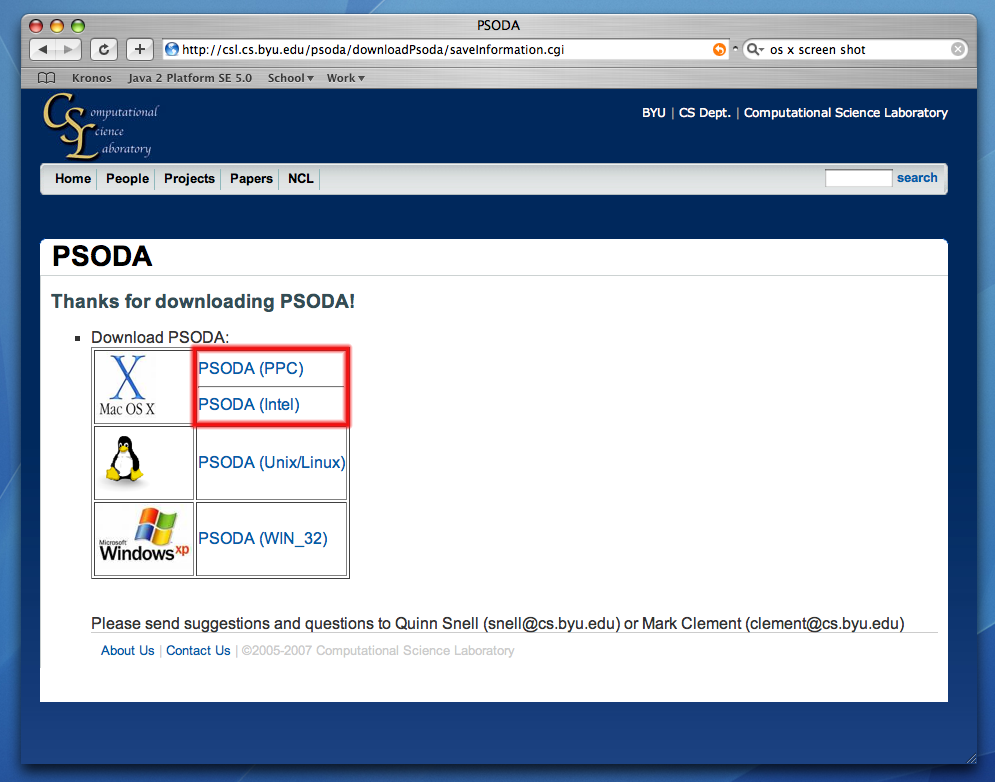
- Choose the correct version for your mac.
*NOTE: If you purchased your mac after February 2006, you want the Intel version
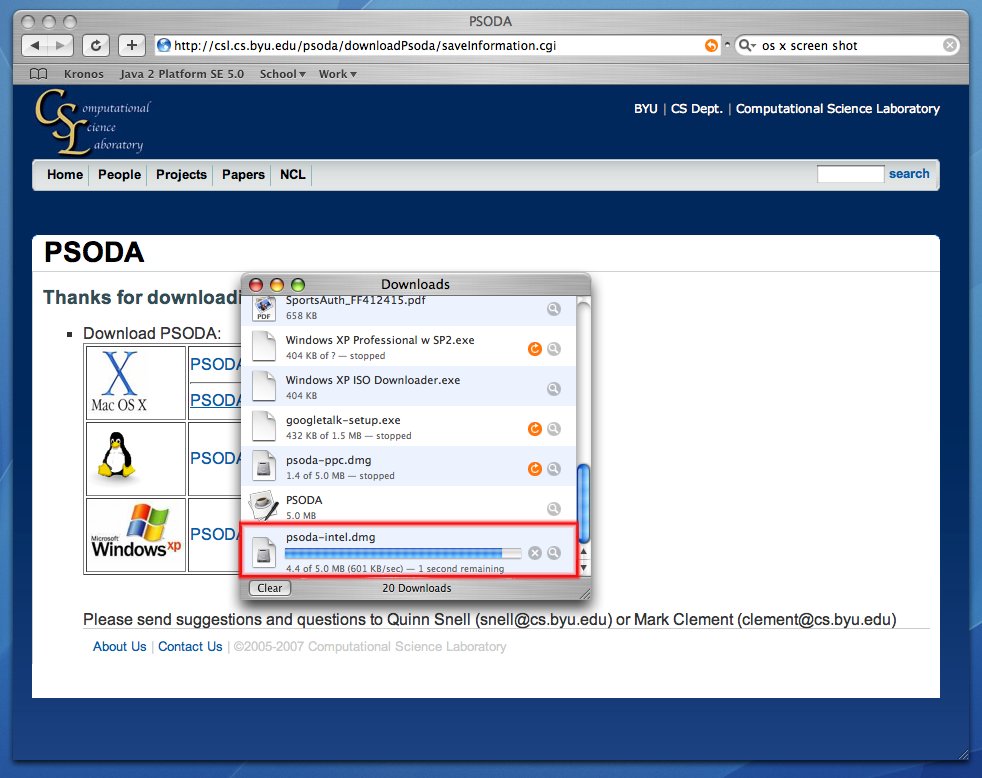
- You should see Safari's (or Firefox's) download window with a progress bar.
- Click "Continue" when you receive the warning that you have downloaded an application. You will then
see a window with a copy of the application appear
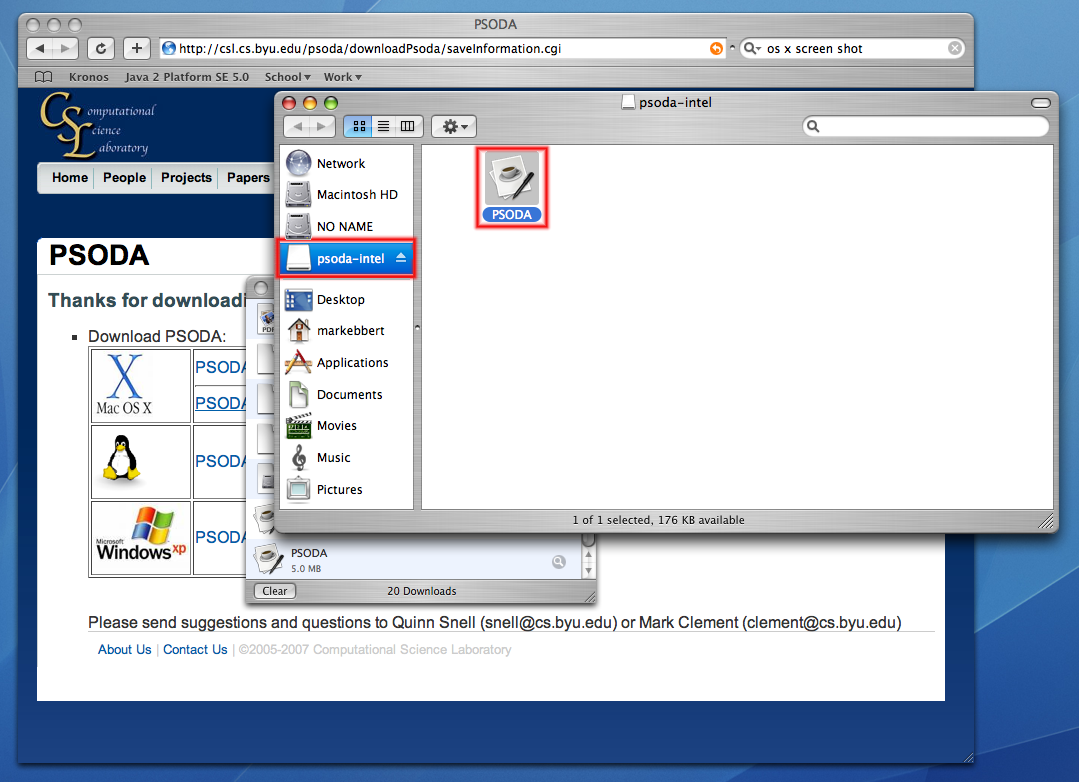
- Drag the application to your Desktop (or other location).
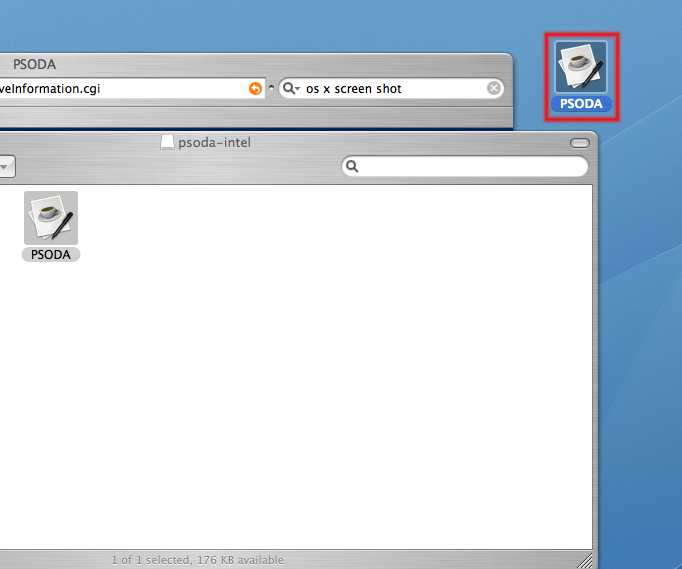
- Double-click the application to open.